Business software and the SME tech stack in Japan
Shared accounts and logins in a small business: who owns what
Shared logins, drives, inboxes and chat only work with shared rules. How small businesses in Japan can set owners, access and records for the tools everyone uses.
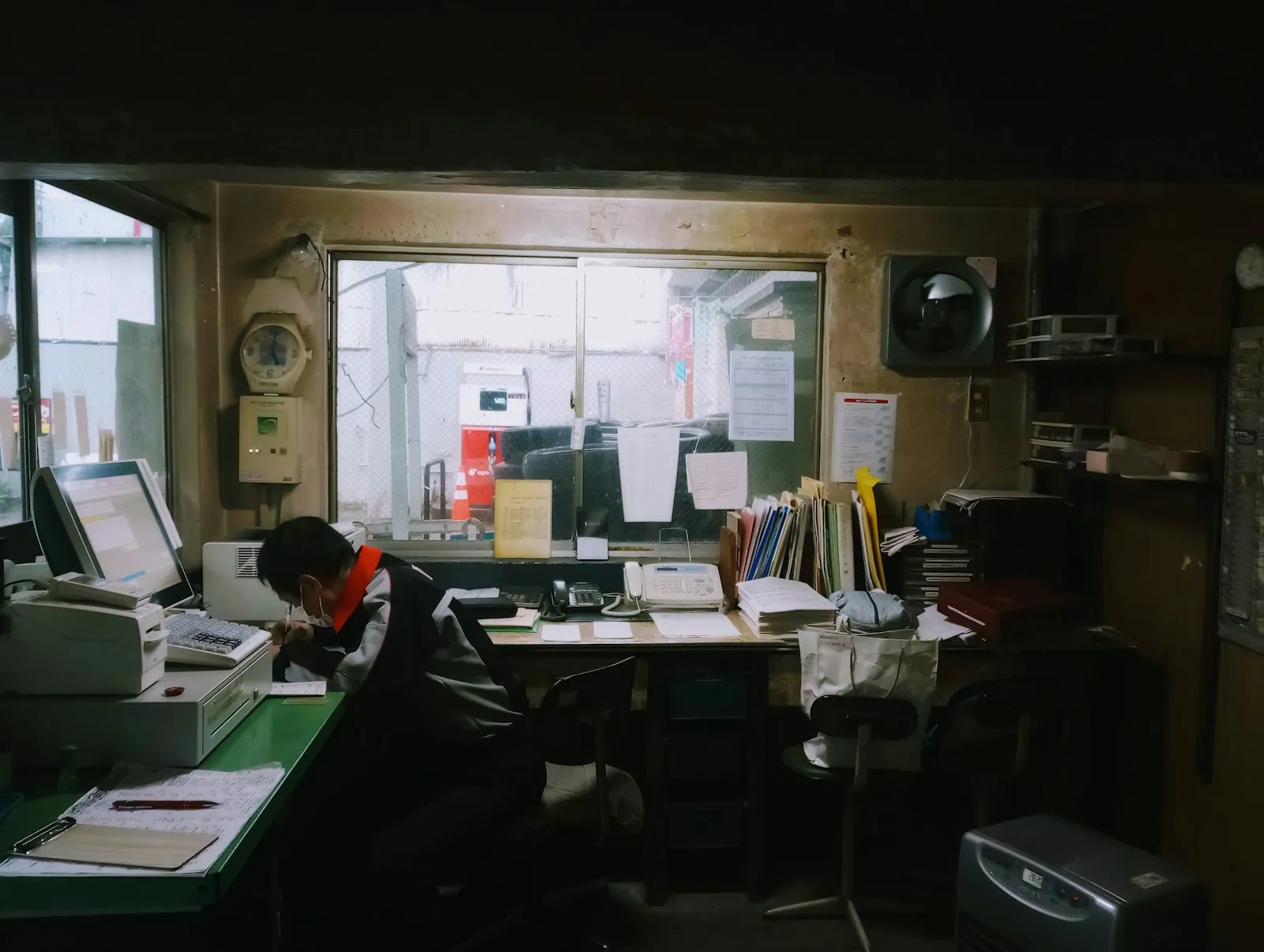
A shared tool only works when people agree how to use it. To manage shared accounts and tools in a small business, give every account a company-owned login and a named owner, replace shared passwords with individual accounts or a company password manager, decide which system is the official record for each kind of information, and write down a few rules for where files, decisions and customer conversations go. Then make removing access part of every staff departure. Without those rules, a shared drive, inbox or chat room turns into a pile that everyone uses differently and nobody trusts.
Buying a shared application does not create a shared way of working. People still have to agree what a record means, who keeps it up to date and where a decision belongs.
Why do shared systems break down in small companies?
Most small businesses in Japan already have shared tools: a Google Drive or SharePoint, a Chatwork or Slack workspace, a shared info@ inbox, a kintone app, a login to the bank’s online service that three people use. The tools are rarely the problem. The trouble comes from what was never agreed.
- Two people save the same contract in different folders with different names, and nobody knows which is final.
- A customer asks a question in the shared inbox, two staff reply with different answers, and a third never sees it.
- A decision gets made in a chat thread and never reaches the system where the work is tracked.
- The login to a supplier portal is on a sticky note, used by four people, and registered to the email address of someone who left in 2022.
- One department keeps its own spreadsheet of customers because the shared one “is always wrong”.
Each person is working sensibly from their own point of view. The system fails because there is no common rule, so every improvement stays local and has to be rediscovered by the next person.
What are the risks of shared logins?
Shared passwords are the most common and most dangerous version of the problem.
You cannot tell who did what. If five people use one account, the history shows one name. When an order is changed or a record deleted, there is no way to know who did it or why.
You cannot remove one person. When someone leaves, the only way to cut their access is to change the password and tell everyone else, so in practice it rarely happens.
Recovery depends on luck. Accounts registered to a personal email or phone number can become impossible to recover when that person is gone. This is especially risky for the domain registrar, the main email administrator account, banking and government portals.
Passwords leak. Shared passwords travel through LINE, email, spreadsheets and notebooks, and get reused elsewhere.
How should a small business manage shared accounts?
Give each person their own login where the tool allows it
Most business tools, including Google Workspace, Microsoft 365, freee, Money Forward, kintone, Chatwork and Backlog, support individual users with different permissions. Use them, even if it means a few more seats. Individual logins are what make access control, audit history and clean departures possible.
Use a company password manager for accounts that must be shared
Some accounts genuinely have one login, such as certain bank, social media or supplier portals. Store those in a company password manager with shared vaults, so people can use the password without seeing or copying it, and access can be removed per person.
Register every account to a company address
Use role-based addresses such as admin@ or accounts@ on your own domain for registrations and recovery, not a founder’s personal Gmail or a staff member’s work email. Turn on two-factor authentication and make sure more than one trusted person can recover it.
Keep an account register
A simple list covering each system, what it is used for, who owns it, who has admin access, which email it is registered to, how it is paid and when it renews. This one document prevents a large share of the problems I see when I review a company’s systems in a Diagnostics engagement.
Make offboarding a checklist
When someone leaves, remove or transfer their access on their last day, reassign anything registered to them and move their files and customer conversations into company-owned places. Do the reverse checklist for new staff.
What rules should a shared drive, inbox or chat follow?
The rules can be short. What matters is that they exist and everyone knows them.
Shared drive. A small folder structure agreed in advance, a naming pattern for files (for example date, customer and document type), one place for final versions and a rule that important documents live in the company drive, not personal ones.
Shared inbox. Who answers which kinds of message, how a message is marked as handled, and how long a reply should take. Tools such as Gmail’s shared labels, Google Groups collaborative inboxes or a help desk tool can make this visible.
Chat. Which channels exist and what goes in each one, which decisions must be recorded somewhere more permanent, and when customer conversations should move from LINE or chat into your customer record.
Customer and project records. For each kind of information, one official system. If the CRM is the record for customers, the side spreadsheet has to go. If Backlog holds the tasks, a task mentioned in chat is not a task until it is in Backlog.
Why is this especially important in Japan?
Several local habits make unwritten rules more costly. Many small Japanese companies rely on long-serving staff who hold the real procedures in their heads, and with the workforce ageing and hiring difficult, those people are retiring faster than they can be replaced. Decisions are often reached by consensus in conversation and never written down. Foreign-owned companies add a language layer, where English and Japanese records drift apart. And the invoice system (インボイス制度) and electronic bookkeeping law (電子帳簿保存法) expect invoices and transaction records to be stored in an orderly, retrievable way, which is hard when they are scattered across personal inboxes and chat photos.
None of this needs a big transformation project. It needs a few agreements, written down, with someone responsible for keeping them.
How do you get people to follow the rules?
Rules that make work harder get ignored. Involve the people who use the tools every day, ask where they currently keep things and why, and start from what already works. Keep the first version to a page. Make the right behavior the easy one: templates in the right folder, a pinned message explaining the chat channels, a password manager that fills in logins automatically.
Then give it an owner. Someone has to tidy the drive, fix the account register and remind people when habits drift. In a small company this is a few hours a month, but it has to be part of someone’s actual job.
Where to start
Pick the riskiest area first, usually shared passwords and accounts registered to personal addresses, then move on to the drive and chat rules. For the wider picture of which tools a small company needs, see what software a small business in Japan should use and the real stack most Japanese SMEs run on. If overlapping tools are part of the mess, cutting overlapping SaaS subscriptions covers consolidation, and the same guide explains company-owned identity and recovery in more detail.
If you want the accounts, owners and access mapped properly, a Diagnostics review is the place to start. If you already know what needs fixing, I can set up the accounts, permissions and rules with your team.
Further reading: what software should a small business in Japan use · reviewing the subscriptions your business still needs · when to stop managing your own IT