AI adoption for businesses in Japan
How to get reliable work answers from ChatGPT, Claude and Gemini
Vague prompts get confident, generic answers. How Japanese teams can brief AI assistants properly, use reasoning modes and check the output before it is used.
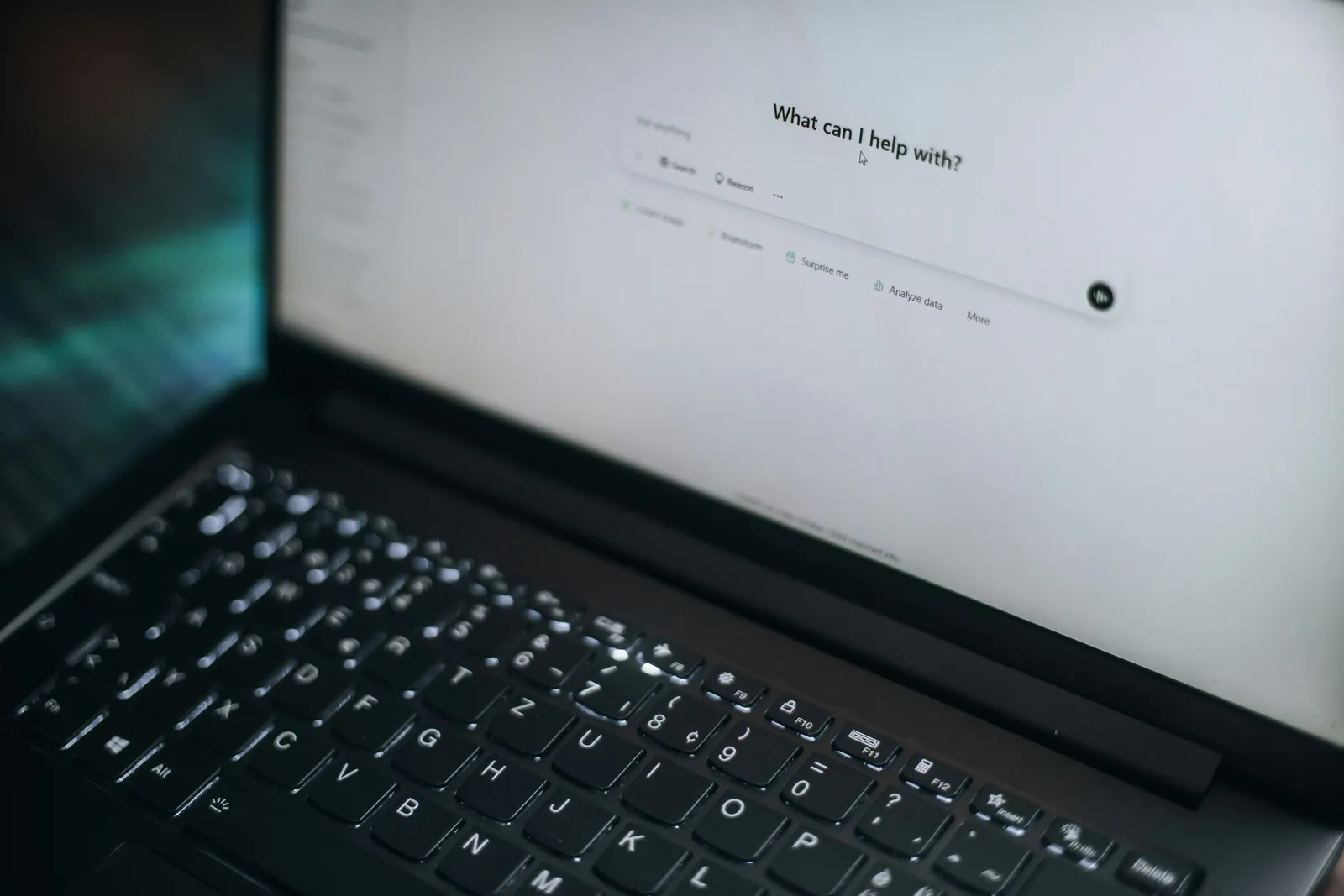
Reliable output from ChatGPT, Claude, Gemini or Copilot comes from three habits: give the tool a specific task with the context and source material it needs, use the slower reasoning or “thinking” mode for anything involving analysis, and check the answer against something independent of the AI’s own prose. Most bad results at work come from a one-line request answered in seconds, then pasted into an email or report without review.
The tools are capable. The way most teams use them is not. I regularly see staff type a single sentence such as “write a market analysis for our product in Osaka” and get back three tidy pages of generic statements, some of them invented. It looks like productivity. It creates work later, when somebody has to find out which parts are true.
Why do AI tools give confident wrong answers?
A language model generates the most plausible response to what it was given. When the request is vague, the plausible response is generic. When the request asks for facts the model does not have, such as your prices, your customers or the latest regulation, it fills the gap with something that sounds right. The tone stays confident either way, which is why errors slip through.
Three causes account for most problems:
- Missing context. The model does not know your business, your customers or what the output is for.
- Missing source material. It is asked to state facts without being given the documents that contain them.
- The wrong mode. A fast default mode is used for a task that needs step-by-step analysis.
How should you write a prompt for business work?
Treat the AI like a capable new colleague who knows nothing about your company. A good request covers:
- The goal. What the output is for and who will read it. “A reply to a Japanese corporate customer who is unhappy about a delivery delay” is far better than “write an apology.”
- The context. Relevant facts about the situation, the relationship and any constraints.
- The source material. Paste or attach the contract clause, the FAQ, the data or the previous emails. Tell the model to answer only from that material.
- The format. Length, structure, level of formality (敬語 or plain), language, and whether you want options or one answer.
- What to do when unsure. Ask it to flag assumptions and say what it could not find, rather than guessing.
A longer, clearer request takes two minutes to write and usually saves twenty minutes of editing.
Video: Prompting 101 | Code w/ Claude from Anthropic.
Japanese and bilingual work
For Japanese business writing, specify the relationship and the level of politeness. The difference between a reply to a long-standing client and a first contact matters, and the model cannot infer it. When translating, give it your existing terminology: product names, job titles and the phrases your company already uses. Then have a fluent speaker read anything that goes to a customer. Current models produce natural Japanese much of the time, but they still miss nuance, and a wrong nuance in a complaint reply costs more than it saves.
When should you use reasoning or thinking modes?
ChatGPT, Claude and Gemini all offer a mode that works through a problem in steps before answering, usually labeled as thinking or reasoning, sometimes chosen automatically. These modes are slower and on some plans have usage limits, so many people never switch them on. They are worth using for:
- Analyzing a spreadsheet, a set of survey results or a financial summary
- Comparing options against several criteria, such as choosing between two software tools
- Reviewing a contract or policy for inconsistencies
- Planning a process with several dependent steps
- Any question where the first plausible answer is likely to be wrong
For a quick rewrite, a translation of a short message or a summary of a meeting transcript, the fast mode is usually fine. The mistake is using the fast mode for everything because it is the default.
How do you check AI output before using it?
Checking is the step most teams skip, and it is the one that makes the rest safe.
Check facts against the source. Every figure, date, name and quotation should be traceable to a document you trust, not to the AI’s answer. If the model cites a source, open it. Models sometimes produce citations that do not say what is claimed.
Check regulations and prices directly. Japanese tax, labor and data rules change, and model knowledge lags. Confirm anything about インボイス制度, 電子帳簿保存法 or employment rules on the official site or with your 税理士 or 社労士.
Ask the model to critique its own draft. A second prompt such as “list the claims in this draft that need verification” catches a surprising amount. It does not replace a human check.
Have the right person approve. Customer-facing messages, anything legal and anything involving money should be approved by a person who would be accountable if it were wrong.
What should staff never paste into an AI tool?
Set a clear rule before people start experimenting. On personal or free accounts, conversations may be used to improve models unless the user changes a setting, and the company has no control over the history. Business plans of ChatGPT, Claude, Gemini and Copilot keep data out of training by default and give administrators control.
As a baseline, keep customer personal information, employee records, passwords and API keys, unreleased financial results and confidential contract terms out of any tool that is not on a company-managed business plan. Japan’s Personal Information Protection Commission has specifically warned businesses to check how generative AI services use personal data they enter. The Japan SaaS compliance guide covers the broader checks. For AI-generated text and images you plan to publish, Japan’s copyright rules on AI output apply too.
Making this a team habit
Individual skill helps, but consistency comes from shared material. Keep a small library of tested prompts for recurring tasks, with the source documents they depend on. Agree which tasks need a reasoning mode and which need human approval. Give one person responsibility for keeping the prompts and source material current.
This is also where AI use exposes weaker foundations. If nobody can find the current FAQ or the official price list, the AI cannot either. That is the argument I make in why AI adoption stalls in Japanese SMEs. For an honest look at where general assistants help and where they fall short, see what ChatGPT is actually good for in small business work.
If you want your team using AI tools with sensible rules, shared prompts and the right plans, I can set that up as part of implementation work or help you decide where to start with a Diagnostics review.
Further reading: what ChatGPT is actually good for in small business work · how to evaluate an AI vendor before you buy · Japan’s copyright rules for businesses using AI · what belongs in a Japan SME technology stack