Digital transformation, paper and legacy systems in Japan
Digital literacy training for Japanese businesses: where to start
Digital literacy at work means understanding what your tools do. How Japanese SMEs can find the real skill gaps and train staff and managers to close them.
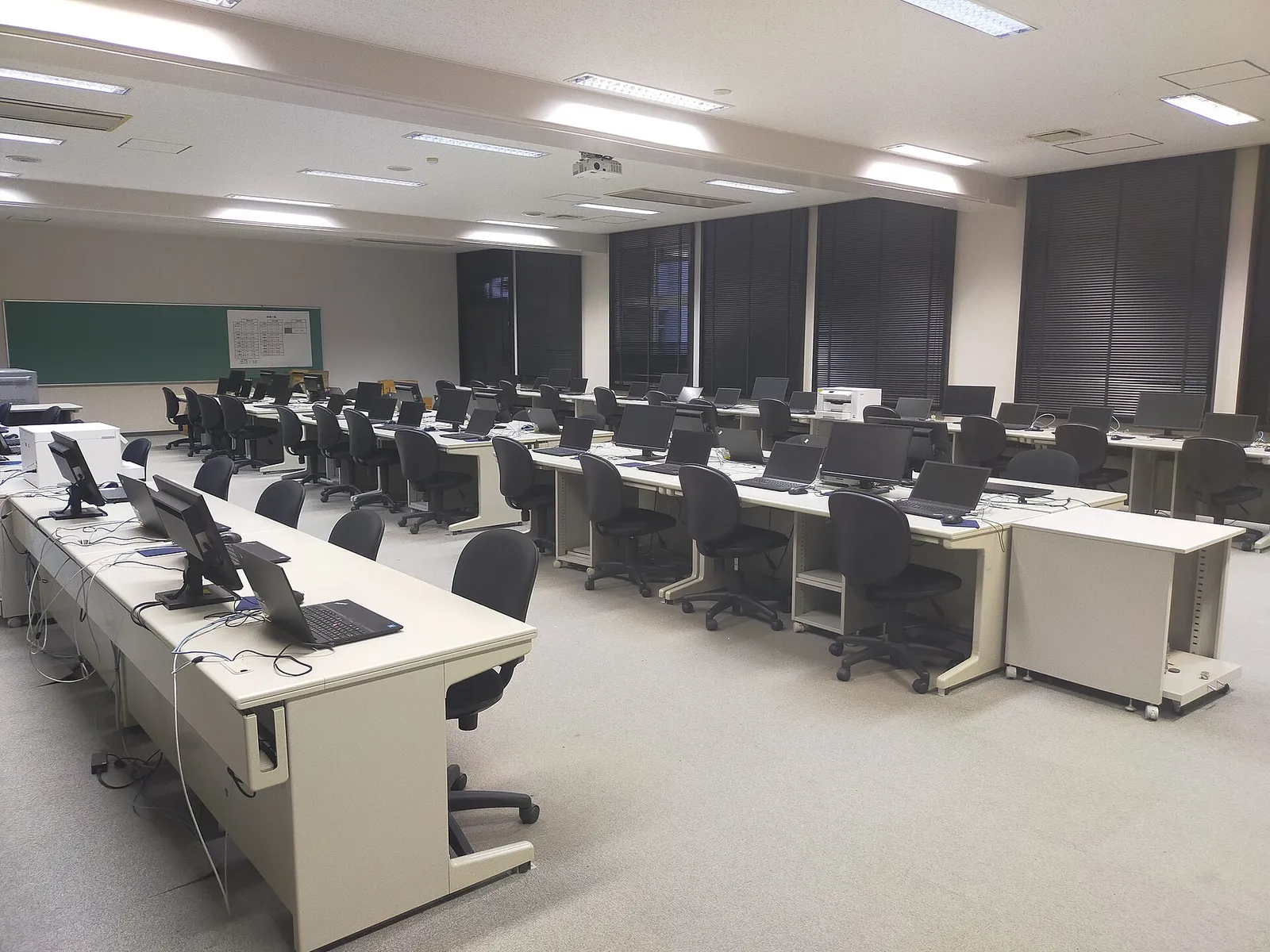

Digital literacy in a business means knowing what your tools actually do, not only which buttons to press. Most staff in Japanese companies can use a smartphone, send email and open a spreadsheet. The gaps show up one level down: who can see a shared file, why a newsletter link matters, what happens when a website change removes information search engines rely on, and how to read the numbers a system reports. Training works best when it starts from those specific gaps in your own operation, and when managers take part rather than only staff.
This matters more in Japan than the national headlines suggest. Japan has sat around 30th in IMD’s World Digital Competitiveness Ranking in recent years, with business agility among its weakest areas. That kind of ranking is abstract. The version I see in small and mid-sized companies is concrete: good tools configured badly, then blamed for the result.
What does digital literacy mean for a business?
For a company, digital literacy is the ability to make sound decisions about the tools you depend on. It covers four things.
Operating the tools. Staff can do their daily work in Google Workspace or Microsoft 365, the company chat tool, the accounting system and whatever handles bookings or customers, without a colleague walking them through it each time.
Understanding cause and effect. People know what a change will do before they make it. Removing tracking links from an email means you can no longer see what readers clicked. Deleting structured data from a website does not change how it looks, but it changes how search engines understand it.
Managing access and records. Staff know where the authoritative version of a file lives, who has access, and what happens to documents when someone leaves. This is where many Japanese SMEs carry real risk, because files often sit in personal drives and personal LINE chats.
Reading the data. Managers can look at an analytics report, a CRM pipeline or a sales dashboard and tell the difference between a problem with the business and a problem with the measurement.
How does low digital literacy cost a company money?
The expensive pattern is a loop. A tool is set up according to someone’s preference rather than how it is meant to work. It produces weak results. Management concludes the tool, or technology in general, does not help. The original decision is never examined.
I have watched this happen with an email newsletter. The team built it with buttons that led readers to the website, where each article lived and could be measured. A senior manager, reviewing it on a phone while traveling, decided the buttons were unnecessary and asked for every article to be pasted into the email body. The newsletter went out on time. Click data disappeared, website traffic from the email disappeared, and the articles no longer helped the site in search. A few months later the conclusion was that email newsletters do not drive sales.
The same thing happens with websites. A developer adds structured data that tells search engines what the business is, where it operates and how its pages relate. It is invisible to visitors. An owner who sees an unfamiliar link in the code, or a credit to the developer, asks for it to be removed. The site looks identical, but it has lost information that helped it appear in search. Months later, weak enquiries are blamed on the developer or the platform.
Neither decision was stupid. Each person was protecting something they cared about: a clean email, control of their own website. They simply could not see what the change would cost. That is a literacy gap, and it is fixable.
Why do profitable companies tolerate it?
Many Japanese SMEs are profitable enough that nothing forces the question. A thin but steady margin feels like proof that current methods work. Manual processes also feel diligent. Copying figures between spreadsheets, printing and stamping approvals, and re-typing orders from fax into a system all look like hard work, and they are. The problem is that the same hours could go to work that grows the business. In a labor market this tight, those hours are getting harder to fill. I wrote about that in Japan’s labor shortage as a work-design problem.
How do you assess your team’s digital literacy?
Skip the generic quiz. Look at how work actually gets done.
Follow three real processes. Pick something like issuing an invoice, answering a customer enquiry and onboarding a new employee. Watch who does each step and in which tool. Note where information is re-typed, printed, forwarded or kept in someone’s head.
Check access. List who owns the domain, the Google Workspace or Microsoft 365 admin account, the website login, the accounting system and the company’s LINE official account. If the answer is a former employee, a vendor or one person’s private email, that is your first training topic and your first risk.
Ask managers to read one report. Give a manager the website analytics or CRM pipeline for last month and ask what changed and why. The answers show quickly whether reports are understood or ignored.
Listen for workarounds. When staff say “I just keep my own Excel for that”, they are telling you where the official system does not fit their work or where they were never shown how to use it.
This is roughly what I do in a Diagnostics review: map how information moves through the business before recommending any tool or course.
How should you train staff on digital tools in Japan?
Train on your own systems, with your own data
Generic IT courses rarely change behavior. People learn faster when they practice on the company’s actual Google Drive structure, the actual invoice template in freee or Money Forward, and the actual chat channels. Short sessions of 30 to 60 minutes on one task beat a full day on everything.
Write the rules down in Japanese and English if needed
A one-page guide per tool is enough: where files go, how to name them, which channel is for what, who approves changes. If your team is bilingual, write both versions and keep them in the same place. The Google Workspace adoption guide for Japanese SMEs covers the file ownership and shared drive rules that most companies need first.
Train managers on consequences, not features
Managers do not need to configure systems. They need to understand what their decisions do. A 45-minute session covering tracking, search visibility, access permissions and data ownership prevents most of the expensive mistakes above. It also makes it easier for staff to raise problems, because the manager now speaks the same language.
Name an owner for each tool
Every system needs one person who answers questions, keeps settings tidy and notices when things drift. In a small company that might be two hours a month. Without it, knowledge leaves with whoever set the tool up.
Measure the work, not the attendance
Completion certificates prove little. Measure whether invoices go out faster, whether fewer files live in personal accounts, whether the team stopped re-typing data. If nothing changed, look at the process and the permission to change it before blaming the training.
If you are planning a larger program, the Japanese government currently subsidises some DX training for SMEs. I cover the rules in reskilling staff in Japan.
Who should teach digital literacy inside a company?
Vendors, product companies and consultants carry part of this responsibility too. I have seen a technical firm publish a capable public demo of its product, then watch visitors leave because nobody explained what to enter or why it mattered. The firm concluded the market was not ready. A short walkthrough and a few example templates would have done more than another feature.
Inside a business, the best teachers are usually the staff who already use a tool well, supported by clear documentation and someone with authority to change the process when training reveals a problem. Outside help is useful for the first map, for the rules that need technical knowledge, and for setting up systems correctly so the training has something sound to teach.
Start with one process
Pick the process that costs your team the most repeated effort, map it, fix the setup, and train the people who use it. Then do the next one. A company that does this steadily for a year ends up with staff who can judge tools, managers who can read the numbers, and fewer decisions made on instinct that the data would have contradicted.
If you want an outside view of where the gaps are, a Diagnostics review is the usual starting point. If you already know what needs to change, I can plan and carry out the work with your team, including documentation and training on the finished systems.
Further reading: training staff to replace legacy systems · why digital transformation fails before software · learning what your computer already does