Digital transformation, paper and legacy systems in Japan
How to move a Japanese business off fax: a practical guide
A step-by-step guide to replacing fax in a Japanese business: internet fax, e-invoicing, electronic bookkeeping rules, e-contracts and customers who still fax.
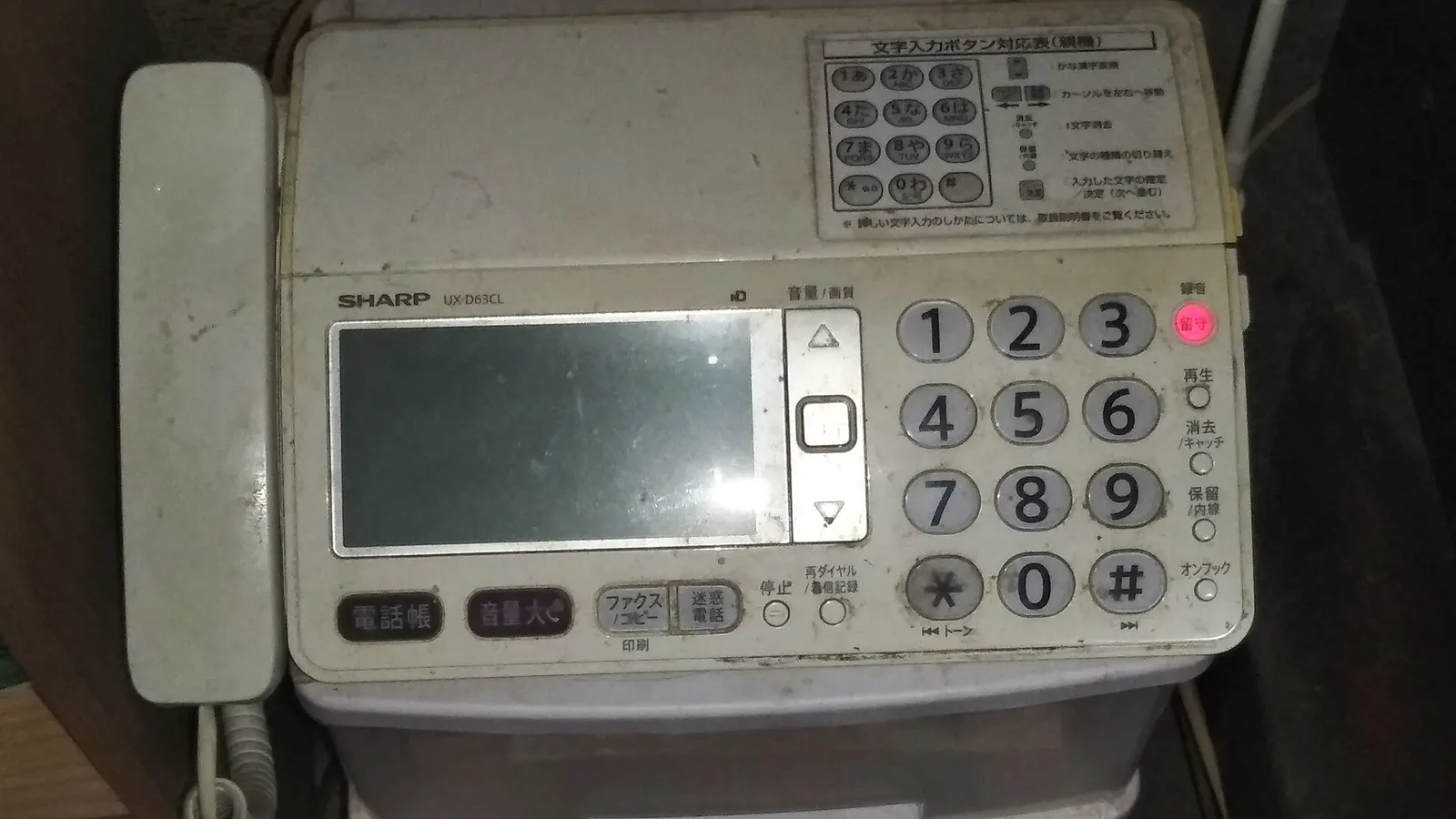
Most Japanese businesses cannot switch off fax in one move, because some customers, suppliers and offices will keep sending them. The practical route is to stop handling fax as paper: receive and send it as PDF through an internet fax service or a multifunction printer, store those files in a way that meets the electronic bookkeeping law (電子帳簿保存法), and move invoices, contracts and approvals onto digital tools one counterparty at a time. The fax number can stay alive long after the fax machine is gone.
Japan’s attachment to fax is well documented. What is less documented is what the migration looks like inside a small company that depends on it, and which legal details catch people out along the way. This is that migration path.
Why is your business still using fax?
Before changing anything, list every fax the business sent or received over the last month or two and note who it came from and what it was. Most fax traffic in a Japanese SME falls into three groups, and each needs a different approach.
Counterparties who require it. A wholesaler that only takes orders by fax, a long-standing supplier, a hospital, a local government office or a trade association form. You cannot move these parties unilaterally, though fewer of them insist on fax than people assume. Many “they only accept fax” cases turn out to mean nobody has asked.
Internal habit. Order sheets, approval forms and requests that pass between your own staff or branches by fax because that is how it has always worked. This is the easiest group to change, since only your own team is involved.
Proof of sending. Fax produces a transmission report, and many teams treat that slip as evidence that a document arrived. Email with read confirmation, e-contract audit trails and portal uploads give better evidence, but the habit remains until someone replaces it deliberately.
Your log will also show what the fax is actually carrying: orders, invoices, delivery slips, quotes, contracts, and internal forms. That list decides which tools you need.
How do you stop handling paper fax?
Option 1: an internet fax service
Internet fax services receive faxes to a number and deliver them to email or a web inbox as PDF, and let you send a fax by uploading a file. Your counterparty sees an ordinary fax. eFax is widely used in Japan and issues numbers in many local area codes as well as 050 numbers, and there are several domestic services.
The catch is the number. Most internet fax services assign a new number rather than taking over your existing line. You have two ways around that. You can keep the old line and forward it to the new fax number with your carrier’s call forwarding (NTT’s ボイスワープ is the common example), then gradually print the new number on documents. Or you can switch to the new number and tell counterparties, which is simpler but takes longer to settle. Check which options your carrier and the service support before promising anyone that nothing will change.
Option 2: forward faxes from your multifunction printer
If the office already leases a multifunction printer (複合機) from Canon, Ricoh, Fujifilm, Sharp or Kyocera, it can usually receive faxes without printing and forward them to an email address or a shared folder. This keeps your existing number and line, needs no new contract, and is often the quickest first step. Ask your dealer to set up paperless receiving and forwarding rules by sender.
Option 3: a system that replaces fax for a specific flow
Where fax is being used for a repeatable process, such as orders from regular buyers, a purpose-built channel is better than a PDF in an inbox. That might be a web order form, a shared kintone app, a B2B ordering platform your industry already uses, or a shared spreadsheet with the customer. This is the real end state for high-volume fax flows.
What does the electronic bookkeeping law mean for fax?
This is where many migrations go wrong without anyone noticing.
Under the amended electronic bookkeeping law, invoices, receipts, quotes and similar transaction documents received or sent as data count as electronic transactions (電子取引). Since January 2024, businesses must keep those records as data. Printing an emailed invoice and filing the paper is no longer a compliant way to keep it.
Fax sits on both sides of this line. According to the National Tax Agency’s Q&A, a fax printed on paper by a traditional machine is treated as a paper document. A fax received as data, through a paperless multifunction printer or internet fax, is an electronic transaction and must be kept electronically. So the moment you go paperless, the PDFs that arrive by fax become records you have to store properly, not attachments you can leave in someone’s inbox.
Storing electronic transaction records properly means, in outline:
- Integrity. Use a system that records or prevents edits, or a timestamp, or keep a written internal rule (事務処理規程) on preventing and handling corrections. The written rule is the common choice for small companies.
- Searchability. Be able to find records by transaction date, amount and counterparty. Businesses whose sales two years earlier were at or below the threshold set by the rules (currently 50 million yen) are relieved of the search requirement if they can hand over the data when a tax office asks for it.
- Readability. Be able to display and print the records clearly on request.
In practice, most SMEs handle this through the document storage features of their accounting service (freee, Money Forward, Yayoi) or a dedicated receipt and invoice service, rather than a folder of PDFs with careful file names. A folder can work for a very small business if the naming rule and internal rule are followed, but it depends on discipline. The National Tax Agency publishes a detailed Q&A, and your tax accountant (税理士) should confirm your setup. Paper documents you receive can stay on paper, or you can scan them under the separate scanner storage rules if you want a fully digital archive.
I cover how to scope record obligations across your software in the Japan SaaS compliance guide.
How do you move invoices off fax?
The qualified invoice system (インボイス制度), in force since October 2023, already pushed most businesses to review invoicing. Use that review to move invoices out of fax entirely.
Issue invoices from a cloud invoicing tool. freee, Money Forward クラウド請求書 and Misoca all produce qualified invoices with your registration number (登録番号), send them by email or download link, and keep a copy that meets the storage rules. I compare the two main accounting platforms in freee vs Money Forward.
Consider Peppol e-invoicing. Japan’s standard for digital invoices is JP PINT on the Peppol network, overseen by the Digital Agency. Invoices sent this way arrive as structured data that the recipient’s accounting system can read, rather than a PDF someone retypes. Major Japanese accounting and invoicing services now support it. It is most useful with larger customers and suppliers who are already connected.
Video: 経理業務のDX~ご存じですか?Peppolインボイス~ from the National Tax Agency (国税庁動画チャンネル), in Japanese.
Keep fax as a fallback for invoices you must send that way. If a customer insists on a faxed invoice, generate it in your invoicing tool and send it by internet fax. Your record stays digital even when the delivery method is not.
How do you replace hanko and faxed contracts?
Contracts and signed forms are often faxed back and forth for stamping. Electronic contract services replace this. CloudSign (from Bengo4.com), GMO Sign and Infomart’s BtoBプラットフォーム契約書 are the widely used Japanese options, and DocuSign and Adobe Acrobat Sign are common with overseas counterparties. For most ordinary commercial contracts between companies, an electronic contract is valid, and many Japanese companies now prefer it because electronic contracts do not require revenue stamps (収入印紙).
Some documents still have specific form requirements, so ask your lawyer or 司法書士 before converting a category you are unsure about.
Internal approval forms that circulate by fax or on paper can move to a workflow tool: ジョブカンワークフロー, the approval features in kintone or Garoon, or a simple form and approval flow in Google Workspace or Microsoft 365.
What about customers who still fax?
Do not force the issue with important customers. Keep receiving their faxes, digitally, and offer an easier alternative when there is a natural moment: a new contract, a price change, a new product, or a change of staff on their side.
Make the alternative simpler than fax for them, not just for you. A one-page web order form, an email address with a clear template, or a LINE WORKS or email channel for regular orders will win more converts than a request to adopt your system. Many counterparties are quietly trying to reduce paper themselves and will be glad to be asked.
Keep a list of which counterparties still fax, what they send and when you last offered an alternative. That list turns a vague ambition into a manageable project.
A realistic timeline
| Phase | Typical duration | What changes |
|---|---|---|
| Paperless receiving | 1 to 2 weeks | Faxes arrive as PDF by email or in a shared folder; the machine stops printing |
| Storage and internal rules | 2 to 4 weeks | Fax PDFs and emailed invoices stored to the bookkeeping rules; internal rule written |
| Invoices and internal approvals | 1 to 2 months | Invoicing from a cloud tool; approval forms in a workflow tool |
| Counterparty migration | 6 to 18 months | Contracts, orders and remaining fax senders moved as relationships renew |
The first two phases are fast and mostly within your control. The last phase is gradual by nature, and that is fine. The goal is that no fax is handled as paper and that every remaining fax sender is a known exception with an owner.
What does this migration actually require?
The tools are not the hard part. The bottleneck is almost always organizational: someone has to own the change, write the storage rule, update the order and invoice procedures, and handle counterparty conversations as they come up. It is the same pattern I describe in why DX projects in Japan fail before the software arrives. Without a named owner and a date for each phase, fax survives because it is never urgent enough to fix this week.
If you want help working out which fax flows are real requirements and which are habit, and what to move first, a Diagnostics review maps that for your business. If the plan is clear and you need someone to set up the tools and procedures with your team, I can carry out the migration with you.
Further reading: why digital transformation starts with the analog process · training staff to replace legacy systems · what belongs in a Japan SME technology stack